VSCode Markdown Editor
Building a markdown editor extension for VSCode

Overview
I built an interactive Markdown editor extension for VS Code that allows developers to quickly create or edit README files and other Markdown documents directly within the editor. The extension provides a live preview, syntax highlighting, and instant formatting.
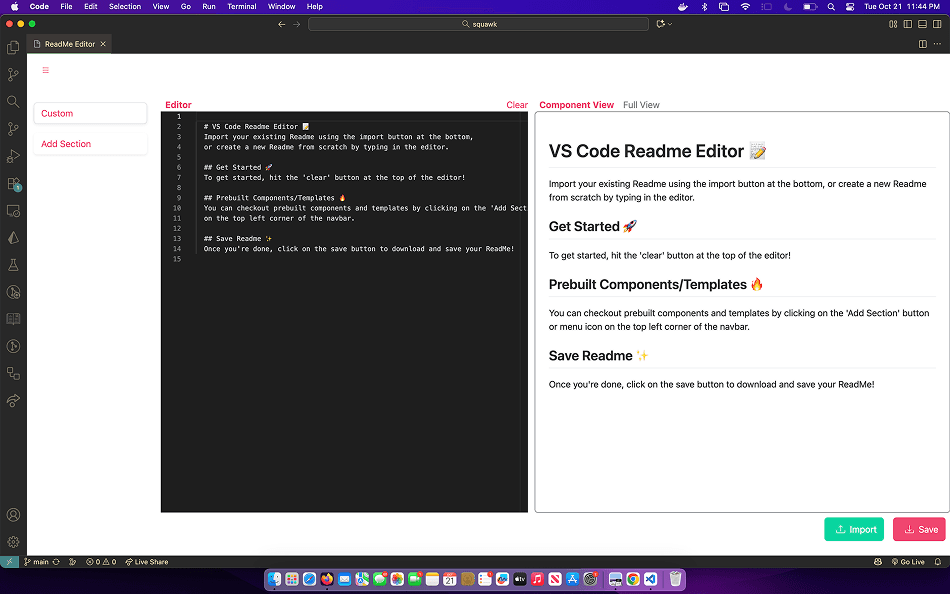
This project was a huge success, with the extension now reaching over 40,000 downloads on the Visual Studio Code Marketplace. Developers appreciated its intuitive interface and real-time Markdown preview, which made writing and editing README files much faster and more enjoyable. Seeing the community adopt and support the project has been one of the most rewarding parts of my development journey.
Background
For most of my projects, I like to create a README file explaining what the project is about, how it works, and how other developers can get started with it.
To create these files, I often use a popular online tool called ReadMe.so, which provides a suite of helpful features like pre-made components, live previews, and templates that make writing README files much easier. I really liked how simple and intuitive it was to use.
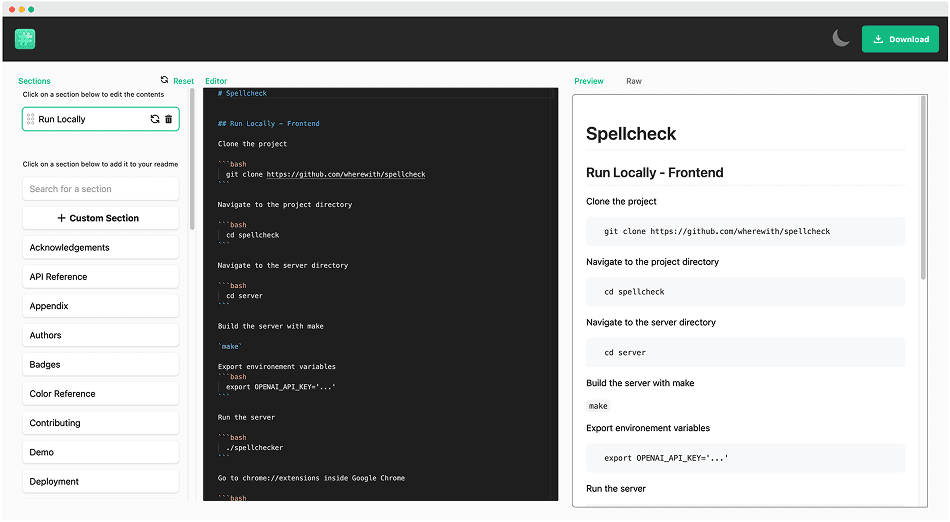
This served as the inspiration for my project, I wanted to bring this experience inside VSCode by creating an extension that allows developers to create and edit existing markdown files without having to leave their editor.
Development
There are several ways to create extensions inside VS Code. The traditional approach is to develop them using the native VS Code Extension API (SDK), which allows you to build extensions that run directly on Node.js.
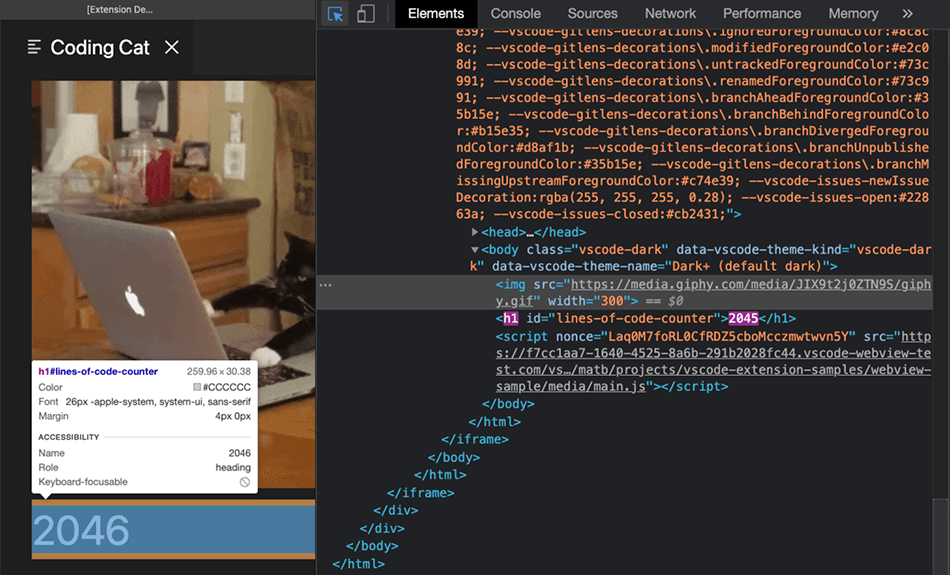
An alternative approach is to use the VS Code Webview API, which allows developers to create customizable views inside VS Code panels using familiar web technologies like HTML, CSS, and JavaScript.
Extending this functionality even further, developers can create an entire web application using modern frontend frameworks and then bundle it as a Single-Page Application (SPA). The Webview API can then render this SPA directly inside VS Code, essentially turning the editor into a lightweight host for a full web experience.
This was the approach I decided to take. I used React.js to build a complete Single-Page Application (SPA), which I then bundled and rendered inside a VS Code panel using the Webview API. This setup allowed me to combine the power of React's component-based architecture with the flexibility of VS Code's extension system.
Reception
After developing and testing the extension locally, I published it to the VS Code Marketplace for the public. To my surprise, it quickly gained traction, reaching thousands of downloads within a short period and earning consistent five-star reviews from developers who found it helpful for creating and editing Markdown files directly within VS Code.
Today, the extension continues to maintain its five-star rating with over 40,000 downloads on the VS Code Marketplace.